How to Reply to an Email Professionally (5 Steps + Examples for Every Situation)
9 min read
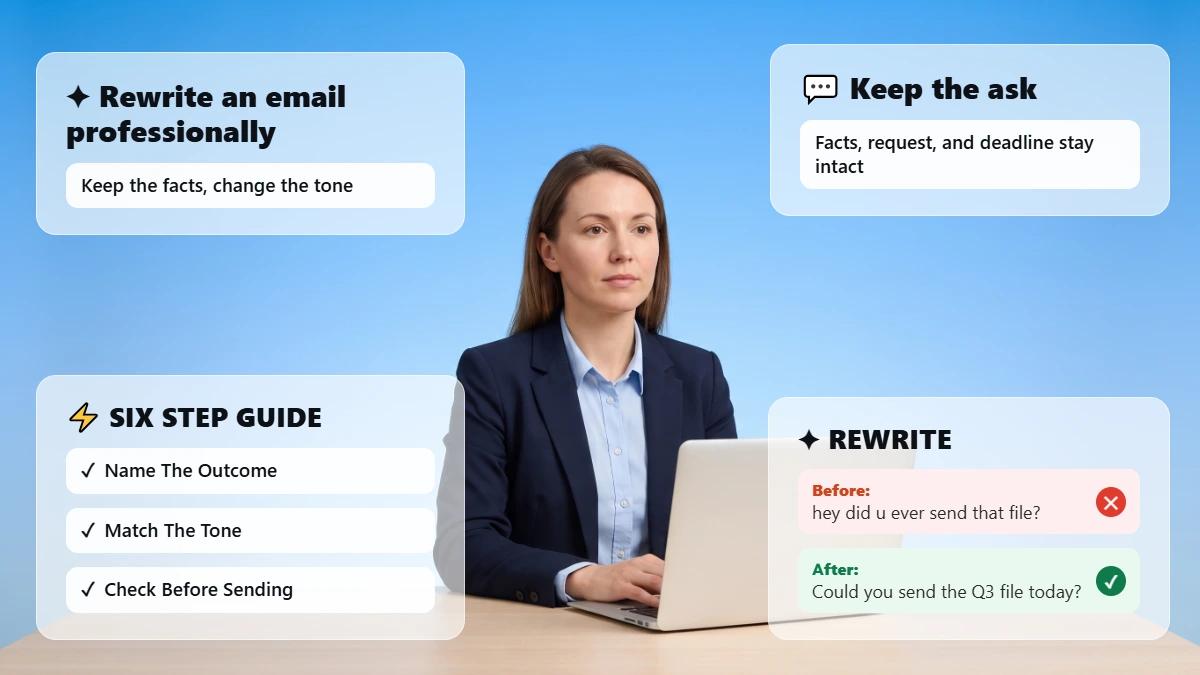
You can answer a work email in ten seconds and still leave the sender unsure what you meant. A professional reply follows a set order. Confirm you received the message, then answer every question the sender asked. Include the exact detail they need and close with one clear next step. Match the tone to the relationship, then check the facts before you send.
A professional reply is the one your reader can act on, and that counts for more than length or formality. This guide walks through the five-step REPLY method and shows before-and-after replies for the situations you run into most.
Refine Your Reply Before You Send It
Paste your draft reply, choose a professional tone, and compare the rewrite with your original meaning and next step. 👇
How to Respond to an Email Professionally
A professional response is one the sender can understand and act on without writing back to ask what you meant. Five things do that work:
✅ It acknowledges the message, so the sender knows it landed.
✅ It answers every question the sender asked, not only the easy one.
✅ It carries the specific detail: the date, number, name, or file.
✅ It makes the next step and the timing obvious.
✅ Its tone fits the relationship you have with the reader.
Clarity carries more of that work than formality does. Indeed's professional email guide tells you to write in clear, concise language because your reader may have many messages to get through that day, and Grammarly's guide to email tone defines tone as the attitude a message conveys, which shifts with context and goal. Acknowledgment and tone are the two a rushed reply usually drops.
💡 The average worker receives 117 emails a day, and Microsoft's 2025 Work Trend Index report found most are skimmed in under 60 seconds. Put your answer at the top of the reply, ahead of the background.
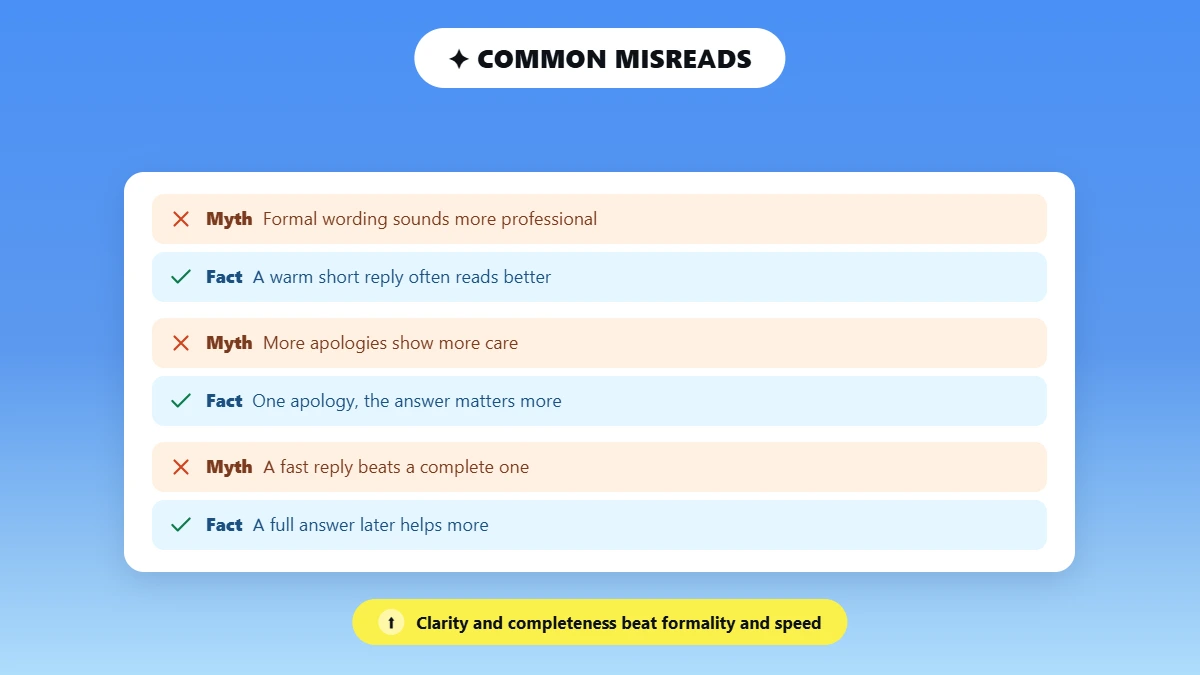
⚠️ Formal and professional are two different things. A warm two-line reply often reads as more professional than a stiff paragraph.
⚠️ One apology beats three. The answer matters more to your reader than the apology does.
⚠️ A complete reply beats a fast one. A full answer an hour later helps more than a vague "got it" now.
How to Reply to an Email Professionally With the REPLY Method
The REPLY method is a five-step check that turns a rushed draft into a clear, complete reply to a professional email. Each step carries one question.
Step | What you do | The question to ask yourself |
|---|---|---|
R | Read the email and identify every ask | What does this person actually need from me, and how many separate things are they asking? |
E | Establish acknowledgment up front | Have I confirmed I received and understood their message before diving in? |
P | Provide a complete, specific answer | Did I answer every question and include the name, number, date, or file they need? |
L | Lay out the next step and timing | Does the reader know what happens next, who owns it, and by when? |
Y | Yield the right tone, then review | Does the tone fit the relationship and channel, and did I check the facts before sending? |
R: Read the Email and Identify Every Ask
Read the email once to find every ask before you write a word of the reply.
📌 Name what the sender needs: an answer, a decision, a file, a date, or just an acknowledgment.
📌 Count the questions. A long email often hides two or three, and a professional reply answers all of them.
📌 Note the sender's urgency so your timing matches it.
E: Establish Acknowledgment Up Front
Confirm receipt of an email professionally in your first line, and do it especially when the full answer will take time. "Thanks, I've got the file and will review it today" tells the sender it arrived. A bare "Noted." does the same job but reads as curt.
Weak: "K." → Refined: "Thanks, got it. I'll have feedback back to you by Thursday."
P: Provide a Complete, Specific Answer
To answer emails professionally, cover every question the sender asked, in the order they asked them.
✍️ Replace "soon", "some" or "the doc" with the date, the number, the name, or the file.
✍️ When you can't answer yet, say what you can now and name when the rest comes.
L: Lay Out the Next Step and Timing
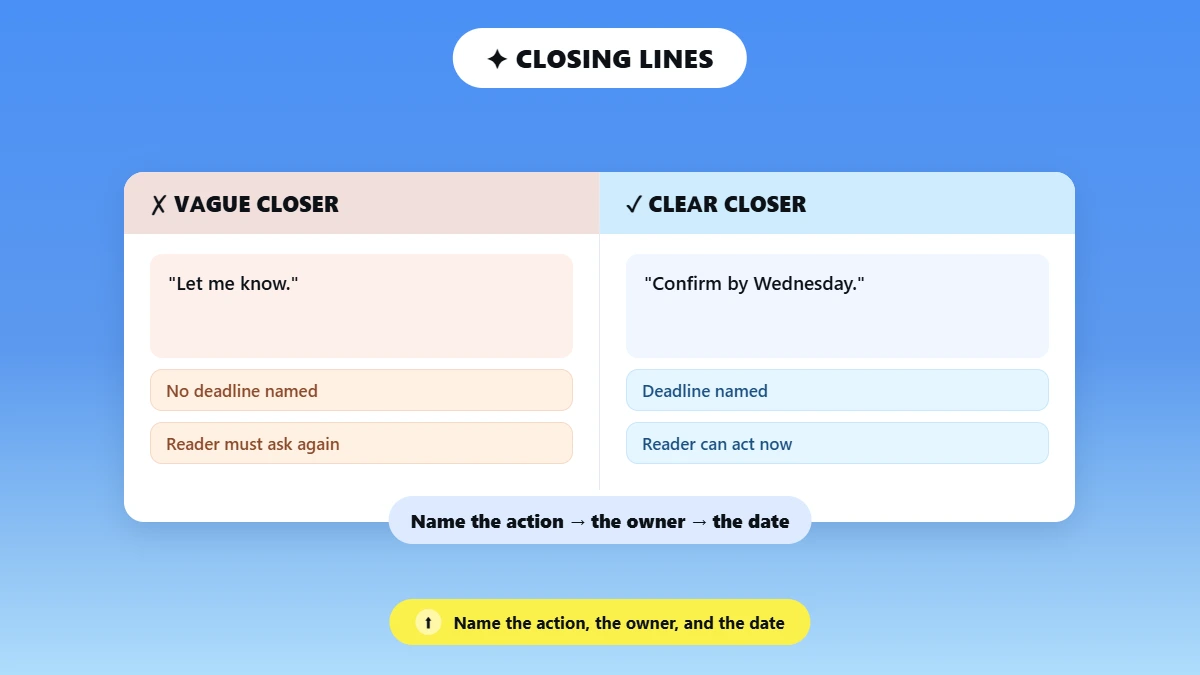
Your closing line names the action, who owns it, and the date. Indeed's professional email guide says to specify what you want the recipient to do and to name the deadline you have in mind. Number the steps when several things must happen.
Weak: "Let me know." → Refined: "Can you confirm the budget by Wednesday? Once you do, I'll reserve the October slot."
If nothing comes back after that, chasing it is a separate job, covered in our follow-up email guide.
Y: Yield the Right Tone, Then Review
Read the reply once as the recipient before you send it.
🔎 Ask whether it sounds colder or more demanding than you intend.
🔎 Match the register to the relationship. A manager and a close teammate need different things.
🔎 Check names, dates, figures and attachments last, after any editing.
Already know what you want to say but not how to phrase it? Paste your draft into Phrasly Formalizer, choose a professional tone, then check the rewrite against the five REPLY steps before you send. 👇
Five Professional Email Reply Examples, Before and After
A refined reply is usually one or two sentences longer than the weak one, and those extra words carry the name, the date, or the next step.
Situation | Weak reply | Refined reply | Why it works |
|---|---|---|---|
Acknowledging or confirming receipt | "Got it, thanks." | "Thanks, Priya. I've received the updated figures and will send the revised report by 3 p.m. Thursday. I'll flag it sooner if anything looks off." | Confirms receipt, names what arrived, commits to a time |
Answering a request | "Yes we can do that, details to follow." | "Yes, we can deliver the landing page by October 8. I'll send the scope and timeline by end of day tomorrow so you can review before we start." | Confirms the yes, gives the date, says what comes next |
Declining politely | "Sorry, we can't do that." | "Thanks for thinking of us. We can't take the full redesign before the November launch, but we can prioritize the checkout flow if that helps. Would Thursday work to scope it?" | Declines clearly, keeps the relationship, offers an alternative |
Apologizing for a late reply | "So sorry for the late reply!!" | "Apologies for the delay. To your question: the invoice is approved and payment goes out Friday. Thanks for your patience." | One brief apology, then the answer they waited for |
Buying time, no answer yet | "Not sure yet, will check." | "Good question. I don't have a firm date yet. I'm checking with engineering and will give you a confirmed answer by noon tomorrow." | Sets an honest expectation and commits to a time |
Treat these as reusable patterns rather than a template you paste unchanged. The same five-step fix works on updates, requests and chat messages, shown in our before-and-after message examples.
How to Get the Tone Right Without Weakening the Reply
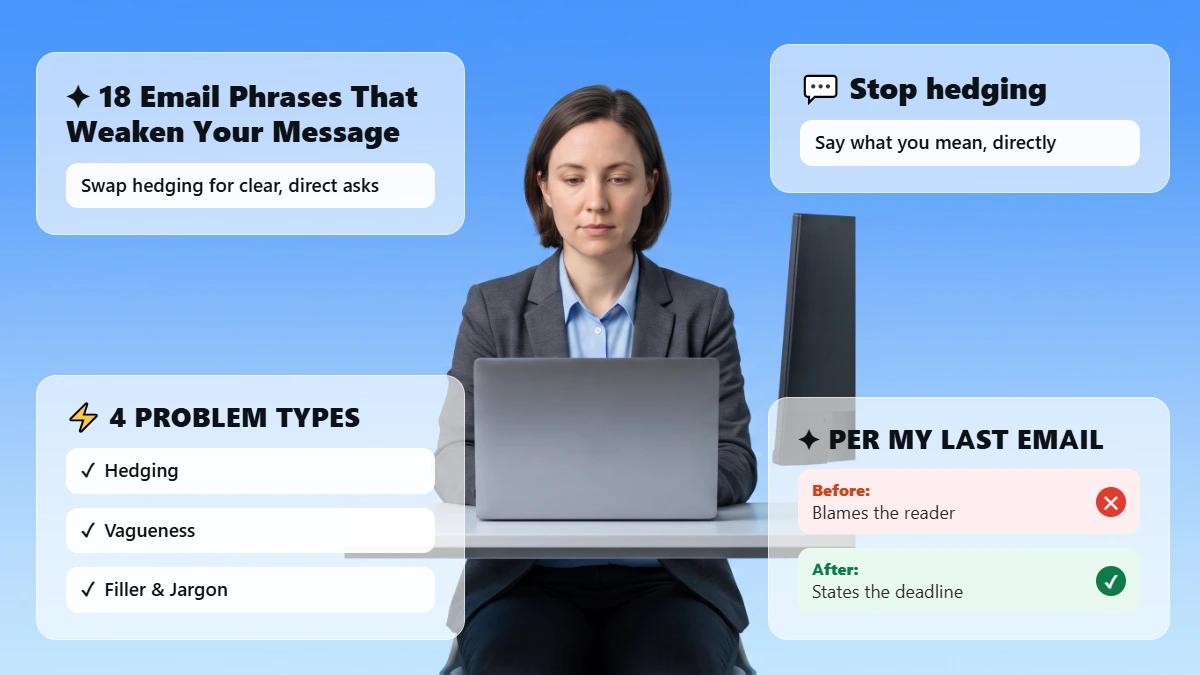
Tone decides whether your answer reads as helpful or grudging, and two or three words usually carry the whole difference. The same sentence can land as warm, curt or defensive depending on how you open it and how you close it.
Goal | Common mistake | Better approach |
|---|---|---|
Warm | So much cushioning the answer disappears | Short friendly opener, then the answer |
Firm or decisive | Sounding cold when you decline or push back | State the decision, the reason, the alternative |
Apologetic, late reply | Repeating "so sorry", burying the answer | Apologize once, then the answer |
Calm, frustrated sender | Matching their heat or getting defensive | Acknowledge the concern, restate the facts, give the step |
Four swaps worth learning:
💬 "As I said before..." → restate the answer without the jab.
💬 "No." → "We can't do X, but we can do Y."
💬 "So sorry, so sorry..." → "Apologies for the delay. To your question: ..."
💬 "ASAP" → a real date and a real time.
💡 In a 2025 study in Computers in Human Behavior Reports, senders and receivers of real work emails rated their tone at nearly the same level. The tone you write is close to the tone your reader gets, so the fix belongs in the draft.
How Do You Reply to a Rude or Frustrated Email Professionally?
A rude email gets a reply that answers the substance and leaves the heat alone. Acknowledge the concern in one line, restate the facts, then give the next step with a date. Matching their tone turns one email into a thread.
What tone works best when you reply to your boss?
A reply to your boss works best when it is short, specific and clear about your next step. Managers need the status and the date more than the background, so lead with those and add context only if it changes a decision.
When Should You Use an AI Tool to Reply to an Email?
An AI tool helps most when you know what to say and the draft reads blunter, longer or more hesitant than you mean. A formalizer, also called a tone rewriter, takes text you already wrote and changes its register. It adjusts the wording; the message stays yours.
🟢 The reply reads blunter than you intend it to.
🟢 You're answering a sensitive or frustrated email and want a calmer tone.
🟢 You keep rewriting the same reply and can't land it.
🟢 You drafted it fast on your phone and want it tightened.
🟢 English isn't your first language and you want natural workplace phrasing.
🟢 You want to compare a few versions before choosing one.
Editing is already the common use. Among US workers who have used AI chatbots at work, 52% have used them to edit written content, according to Pew Research Center. The same review rule covers tone rewrites outside email, shown in our guide to AI to make text professional.
Check all five before you send an AI-assisted reply:
✅ Names, numbers, dates and links are correct.
✅ Every question is still answered.
✅ Commitments, deadlines and the decision survived the rewrite.
✅ The tone fits the relationship and the situation.
⚠️ Your workplace policy allows pasting the email's content into an outside tool.
The 30-Second Pre-Send Reply Checklist
Six checks catch the problems that make a reply look careless, in about half a minute on any draft.
☐ Did I acknowledge their message in the first line?
☐ Have I answered every question they asked?
☐ Is the specific detail (name, date, number, file) included and correct?
☐ Is there one clear next step with a time?
☐ Does the tone fit the relationship and the situation?
☐ Did I re-check the facts and the attachments after editing?
Refine your draft, then run it through this checklist. Keep the version that holds your meaning and makes the next step easier to act on. 👇
Frequently Asked Questions
How do you reply to an email professionally?
Start by confirming the message arrived, then work through each question in the order it was asked, including the date, number or file that answers it. Close with a single next step and a time. Set the register to suit the reader, and verify every detail before sending.
How do you acknowledge an email professionally?
Confirm it arrived and say what you will do about it, with a time attached. Naming the file and your review date works harder than a bare "Noted." Silence on a message that needs days of work reads to the sender as a message that never landed.
How do you politely decline a request in an email?
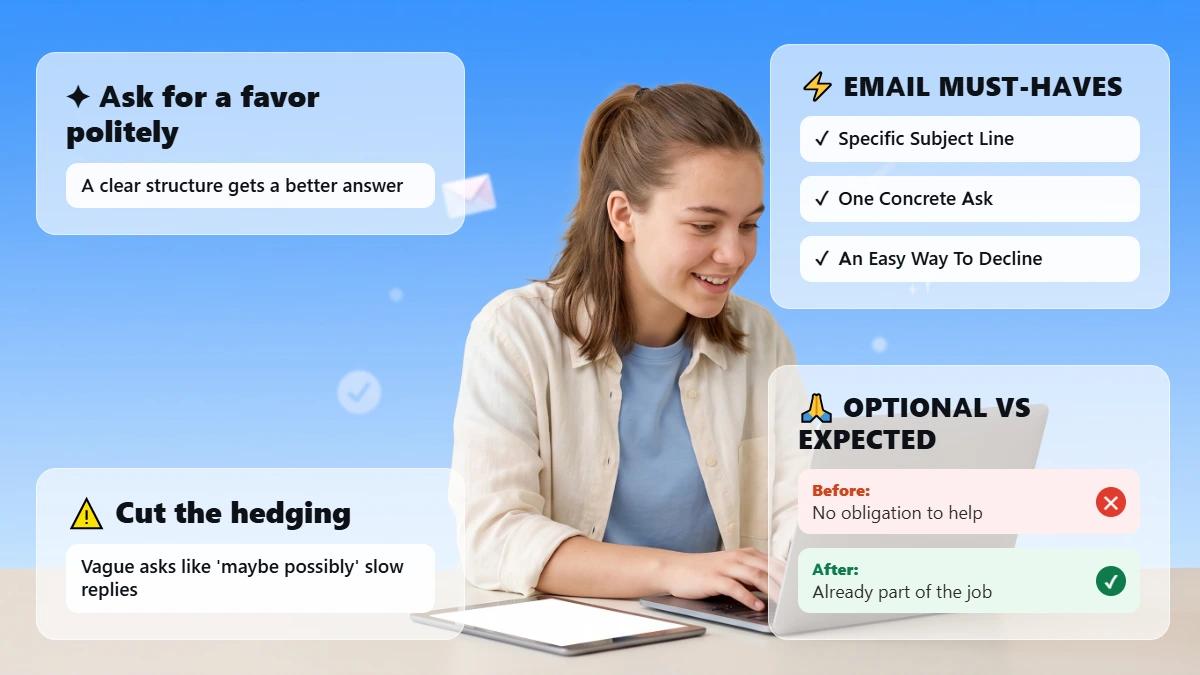
Thank the sender, decline clearly, give a short reason, then offer a realistic alternative and a time to discuss it. A decline that names what you can do instead gives the sender somewhere to go next.
How do you apologize for a late email reply?
Apologize once, briefly, then lead with the answer the reader was waiting for. Repeated apologies hold attention on the delay instead of the information. One apology followed by the decision, date or figure reads as more professional.
How do you reply when you don't have the answer yet?
Acknowledge the question, say you don't have a firm answer, and name the time you will. Committing to a specific hour keeps the follow-up on you, which beats staying silent until everything is settled.
Should you use AI to reply to work emails?
AI tools can adjust tone and tighten wording, and you still write the substance and review the result. Check names, dates, figures and that every question is answered. If a rewrite still reads stiff, this guide shows how to improve AI text readability and tone. Confirm your workplace policy allows pasting email content into outside tools first.

Written by
Alina Shah
SEO Content Specialist · Karachi, Pakistan
She writes about AI so you don't have to guess. 8+ years in content strategy and editing. Now she puts AI writing tools and detection systems through real tests and shares what actually works.