Phrasly's AI Text Enhancer: Rewrite, Improve & Humanize Text for Free
Phrasly's free AI text enhancer rewrites your content for clarity, stronger vocabulary, and the right tone, instantly. Paste a rough draft, a business email, or AI-generated copy and get polished, human-sounding text in seconds.
Phrasly is trusted by writers and professionals around the world who want their writing to sound clear, natural, and genuinely human.
Writers using Phrasly
5,000,000+
Projects completed
40,000,000+
Hours saved writing
6,000,000+
Join more than 5 million+ who rely on Phrasly to make their writing clear, engaging, and authentically human.
What Does The Phrasly AI Text Enhancer Do?
Phrasly's AI text enhancer doesn't just check the grammar, it rewrites your text with improved tone and readability. Paste any text and get back a polished, clearer, more humanized version in seconds. No back-and-forth with a grammar checker. Paste your draft, choose how much you want it changed, and Phrasly handles the rest.
Most writing tools tell you what's wrong. Phrasly's AI text enhancer fixes it. Using natural language processing (NLP) and machine learning, it understands the context behind your words, then rewrites for better clarity, flow, vocabulary, and tone.
Phrasly's AI writing enhancer handles everything from a single sentence to a full document. It transforms rough drafts, AI-generated content, business emails, academic writing, and social copy into polished, professional prose.
Whether you need a quick text improver for a message you're about to send, or a prose enhancement tool for publishing-ready content, you get a cleaner result in seconds. It's free to try, no credit card required.
How to Use Phrasly's AI Text Enhancer
Step 1: Paste your text: Type directly or paste anything into the input field: a sentence, a paragraph, an email, or a full document. Phrasly handles any length. There is no minimum or maximum.
Step 2: Choose your Enhancement Level: Select Easy, Medium, or Aggressive from the selector at the top of the tool. This control is unique to Phrasly, no other free AI text enhancer gives you this level of control over how much your text changes.
Easy for light refinements that keep your original phrasing close. Best for writing that is already decent and needs a final polish before sending.
Medium for a fuller rewrite that improves tone, restructures sentences, and strengthens vocabulary while staying true to your meaning.
Aggressive for complete transformation. The best option for AI-generated content that sounds robotic, rough notes, or any draft that needs a complete overhaul.
Step 3: Click "Enhance & Humanize": Phrasly processes your text and returns an improved version instantly. The right panel shows your enhanced content as it is generated. Word count is shown for both your original and the enhanced output. You also get five enhanced versions of your text so you can choose the one that best fits your tone and style.
Additionally, the free AI Text Enhancer is available in multiple languages so you can access the tool in English, Spanish, German, French, Portuguese, and Italian.
Step 4: Review your Enhanced Text: Read through the output before you use it. Phrasly significantly improves your writing, but it doesn't know your brand voice or your specific audience. Make any final adjustments before publishing or sending.
Step 5: Optional: Run a Quick AI Check: After enhancing, click "Check for AI" to verify your content reads as naturally written. This is especially useful if you are humanizing AI-generated text and want to confirm the output would pass an AI detector before submitting.
Step 6: Copy and Use your Content: Click the copy icon in the output panel. Your enhanced text is formatted and ready to paste wherever you need it, no reformatting required.
The Enhancement Level selector is unique to Phrasly. No other free AI text enhancer gives you this level of control. Easy for a quick polish. Aggressive for a complete transformation. And unlike tools that return a single output, Phrasly generates five enhanced versions, giving you real choice over the final result.
Key Features of Phrasly's AI Writing Enhancer
Phrasly's text enhancer goes far beyond grammar correction.
It's a complete writing improvement tool that improves tone, structure, vocabulary, and flow together. Thus the end result reads like it was written by an experienced editor.
Text Humanizer
Phrasly's built-in text humanizer transforms robotic, overly formal, or AI-generated text into natural, human-sounding writing. It removes the flat, repetitive patterns that AI models produce and adds the kind of conversational flow that connects with readers.
For academic work, you can use our plagiarism checker to verify the originality of your work.
Three Enhancement Levels: Easy, Medium, Aggressive
Phrasly's AI Text Enhancer gives you precise control over how much your text changes, a feature no competitor offers.
Easy mode makes light refinements while keeping your original phrasing close.
Medium mode rebalances structure and improves clarity.
Aggressive mode performs a full transformation, making it the best option for AI-generated content that sounds robotic or rough drafts that need a complete rewrite.
Sentence Rewriting & Writing Flow Improvement
The AI Text Enhancer intelligently rephrases awkward, complex, or repetitive sentences without changing your meaning. It smooths transitions, removes clunky phrasing, and improves the overall flow of your writing so your ideas move naturally from one to the next.
Tone & Style Adjustment for Any Audience
Adapt the tone of your writing to suit any context: formal, conversational, persuasive, or professional. Phrasly automatically adjusts the register of your copy to match the right audience, whether you are writing for executives, customers, students, or general readers.
Grammar, Clarity & Text Quality Enhancement
Phrasly automatically detects and corrects grammar, punctuation, and spelling errors. Beyond surface fixes, it improves text clarity and conciseness, cutting unnecessary words and tightening your message so you communicate more with less. Free to use, with no credit card required.
Vocabulary Enhancement
Replace vague, weak, or repetitive words with stronger, more precise alternatives. Phrasly's vocabulary enhancement improves the quality and variety of your language without making it sound over-inflated or unnatural. Your writing stays clear, just stronger.
Prose Enhancement & Conciseness
Phrasly removes filler phrases, redundant clauses, and over-long sentences, the habits that make text harder to read. The result is tighter, sharper writing that respects your reader's attention and delivers your message with less friction.
Multilingual Text Enhancement
Enhance and rewrite content across multiple languages. Phrasly's multilingual support makes it a strong choice for global teams, international readers, and non-native English speakers who want to write with greater fluency and confidence. The Text Enhancement is available in English, Spanish, German, French, Portuguese, and Italian.
Built-in AI Detector
Phrasly's AI Text Enhancer has a free built-in AI Detector for anyone who wants to check whether their content reads as AI-generated. Our AI Detector processes your text instantly and provides detailed results showing exactly which sections appear AI-generated.
Start enhancing your text for free
No credit card required. Paste your first text in seconds.
Enhance Any Message: Emails, Texts & Professional Communication
Grammar tools fix your mistakes. Phrasly improves how your message lands.
Paste any communication into the AI Message Enhancer. An email you're unsure about, a reply that needs a better tone, a Slack message that feels too blunt, or a client proposal you want to sharpen.
Choose your enhancement level and Phrasly rewrites it with the right clarity, tone, and professionalism for your context.
The result is a message that says exactly what you meant, in the clearest, most appropriate way possible.
What You Can Enhance
Professional emails and client replies
Slack messages, texts, and quick communications
Business proposals and executive summaries
Customer support responses
Cover letters and job applications
Social media captions and LinkedIn posts
Whether you need to sound more professional, more approachable, or simply clearer, choose your enhancement level and Phrasly handles the rest in seconds.
Phrasly's AI Text Enhancer vs Traditional Writing Tools
Grammar checkers and spell-check tools serve one purpose: catching errors. They flag what's wrong and leave the fixing to you.
Phrasly AI Text Enhancer works differently. It understands the context, rewrites entire sentences, and improves the quality of your prose automatically.
Phrasly AI Text Enhancer
Traditional Grammar Tools
Understands context and rewrites accordingly
Flags errors only, no rewriting
Improves tone, flow, and naturalness
No tone or flow adjustment
Three enhancement levels for precise control
Binary: accept or reject suggestions
Humanizes AI-generated content automatically
Cannot detect or fix AI writing patterns
Works across multiple languages
Often English-only or limited language support
Free to try — no credit card required
Most require a paid subscription to start
Part of an 8-tool writing platform
Single-purpose tools with no suite integration
One account. 10+ AI writing tools
Join over 3 million users who have already made the switch from grammar checkers to AI writing enhancement.
Phrasly's AI Writing Enhancer is used across industries by anyone who wants their writing to be clearer, more professional, and more effective.
Here's who gets the most out of it.
Content Creators & Copywriters
Writers who produce blogs, articles, and long-form content use Phrasly to sharpen tone, fix flow issues, and produce publishing-ready copy faster. Spend more time on ideas and less on editing.
Marketing & Communications Teams
Consistent, on-brand messaging across every channel. Phrasly helps marketing teams refine ad copy, email campaigns, social posts, and landing page content. It helps you maintain a brand voice while moving faster. It also adds tone variations instantly without starting from scratch.
Business Professionals
Emails, proposals, reports, and presentations all carry weight in professional environments. Phrasly removes errors and refines tone so every piece of written communication reflects the level of professionalism you intend, without spending an hour editing a three-paragraph email.
Students & Academics
Improve the clarity of research papers, essays, and assignments without changing your argument. AI Text Enhancer helps communicate complex ideas more accessibly and ensures your writing meets the standards of academic or formal contexts.
Non-Native English Speakers
Write with the fluency and confidence of a native speaker. Phrasly improves sentence structure, grammar, and natural phrasing for writers working in English as a second language, in both formal and informal contexts.
Social Media Managers
Rewrite captions, adapt content for different platforms, and test tone variations in seconds. Phrasly's text improver keeps your content on-brand while dramatically reducing the time spent on copy refinements.
Technical Writers & Product Teams
AI Text Enhancer adapts complex technical content for different audiences without losing accuracy. Phrasly helps rephrase, simplify, and adjust tone for the right reader, every time. Thus, you can improve all your text with this single tool, from developer documentation to product marketing copy.
Content Teams & Marketing Writers
High-volume content comes with a consistent quality problem: AI-generated drafts tend to sound flat, generic, and nothing like your brand.
Phrasly's Aggressive enhancement mode, combined with the Text Humanizer, is built for exactly this workflow. Paste your draft, select Aggressive, and get back content with stronger vocabulary, natural flow, and the tone your audience actually responds to.
Fast enough to run on every piece. Consistent enough to maintain your brand voice across every channel.
Recruiters & HR Professionals
Job descriptions, offer letters, and internal communications all benefit from clear, consistent writing. Phrasly helps ensure professional documents are easy to read, appropriately toned, and free from errors.
Customer Support Teams
Tone matters enormously in support communication. Phrasly helps teams craft responses that are clear, empathetic, and consistently on-brand, especially valuable when handling high volumes of queries or navigating sensitive conversations.
Tips for Getting the Most Out of Phrasly's AI Text Enhancer
Getting great results from Phrasly's AI Text Enhancer comes down to how you use it.
Here's what works.
Match the Enhancement Level to Your Content
Use Easy for writing that's already decent but needs a final polish. Use Medium when you're happy with the content but want the tone and structure improved. Use Aggressive when you're starting from rough notes, AI-generated text, or a draft that needs a complete transformation.
Use Aggressive Mode for AI-generated Content
AI-generated text often sounds flat, repetitive, or robotic. Phrasly's Aggressive enhancement level, combined with the Text Humanizer, removes these patterns and produces writing that reads as if a person wrote it: naturally paced, varied in tone, and free of the typical signs of AI output.
The more complete your input, the better your output. Don't paste fragments or placeholder text. Write out your full idea first, even roughly, and then let Phrasly enhance it. A rough full sentence produces a far better result than a half-finished one.
Use It on Messages Before You Send
Before sending an important email, proposal, or message, paste it into Phrasly. Even a Medium-level enhancement often catches tone problems, unclear phrasing, or unintended coldness that you'd miss on a self-review.
Incorporate Your Keywords Before Enhancing
If you're writing for SEO, include your target keywords in your original text before enhancing. Phrasly preserves your key terms while improving how naturally they read in context. No keyword stuffing, no awkward phrasing.
Always Review the Output Before Publishing
Phrasly improves your writing significantly, but it doesn't know your brand voice, your specific audience, or the nuances of your relationship with your reader. Always review the output and make final personalizations before publishing or sending.
Target the Right Reading Level
Different audiences need different levels of complexity. The Enhancement Level selector also affects how formally or simply your text reads.
Use Easy mode for writing aimed at general audiences or younger readers as it simplifies without dumbing down.
Use Medium or Aggressive when you need academic, executive, or publication-standard copy.
This makes Phrasly useful not just for fixing writing, but for adapting it to entirely different audiences from a single draft.
Run Multiple Passes on the Same Text
For complex content like academic papers, client proposals, and long-form articles, a single pass through the enhancer is often not enough. Run your text through on Medium first to improve structure and clarity, then paste the output back in and run it again on Easy to refine the tone.
Two passes take under a minute and consistently produce stronger results than a single Aggressive pass on rough content.
Support
Frequently Asked Questions
Find answers to the most common questions about our AI Text Enhancer.
Yes. Phrasly's AI text enhancer is free to try after you sign up. Paste your text and enhance it immediately. For unlimited enhancements, advanced settings, and access to Phrasly's full suite of eight writing tools, upgrade to Phrasly Pro.
Paste your text into Phrasly's AI text enhancer and select your Enhancement Level: Easy, Medium, or Aggressive. Phrasly automatically analyses your source text, identifies issues with clarity, tone, grammar, and flow, and rewrites it accordingly. No manual editing required. The process takes seconds regardless of text length.
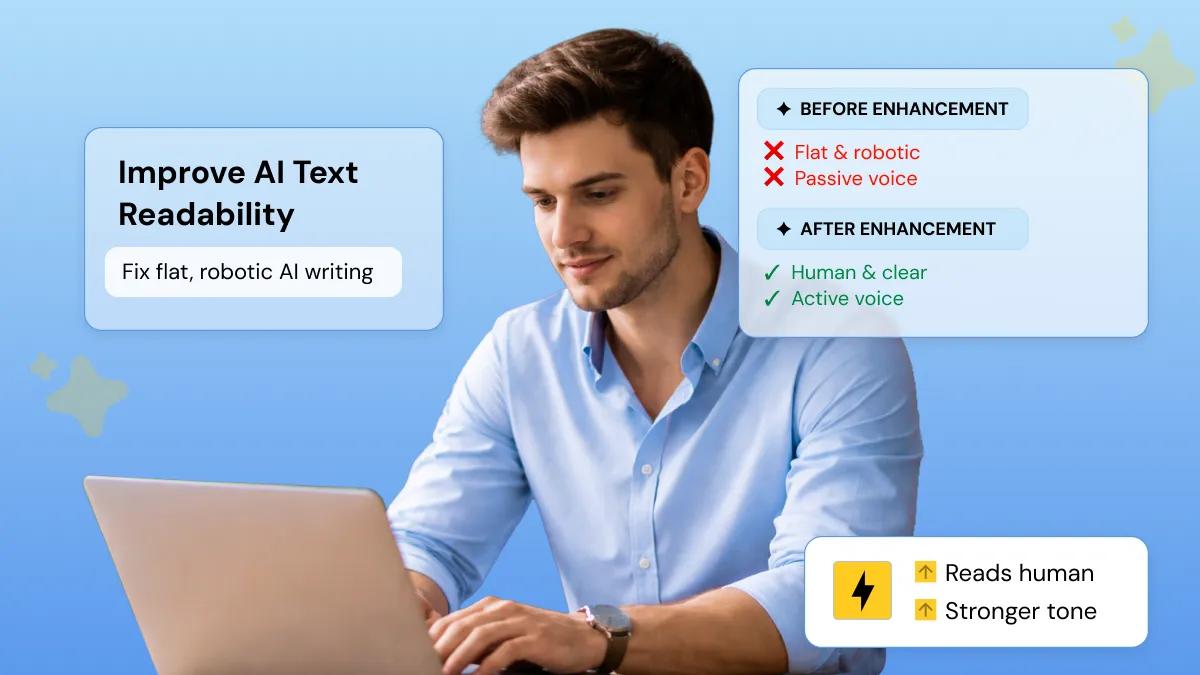
AI-generated text often sounds robotic, repetitive, or overly formal. To improve AI text readability and tone, paste your AI-generated content into Phrasly, select the Aggressive enhancement level, and run the text through the Text Humanizer. Phrasly removes typical AI writing patterns and rewrites the content to sound natural, human, and appropriately conversational.
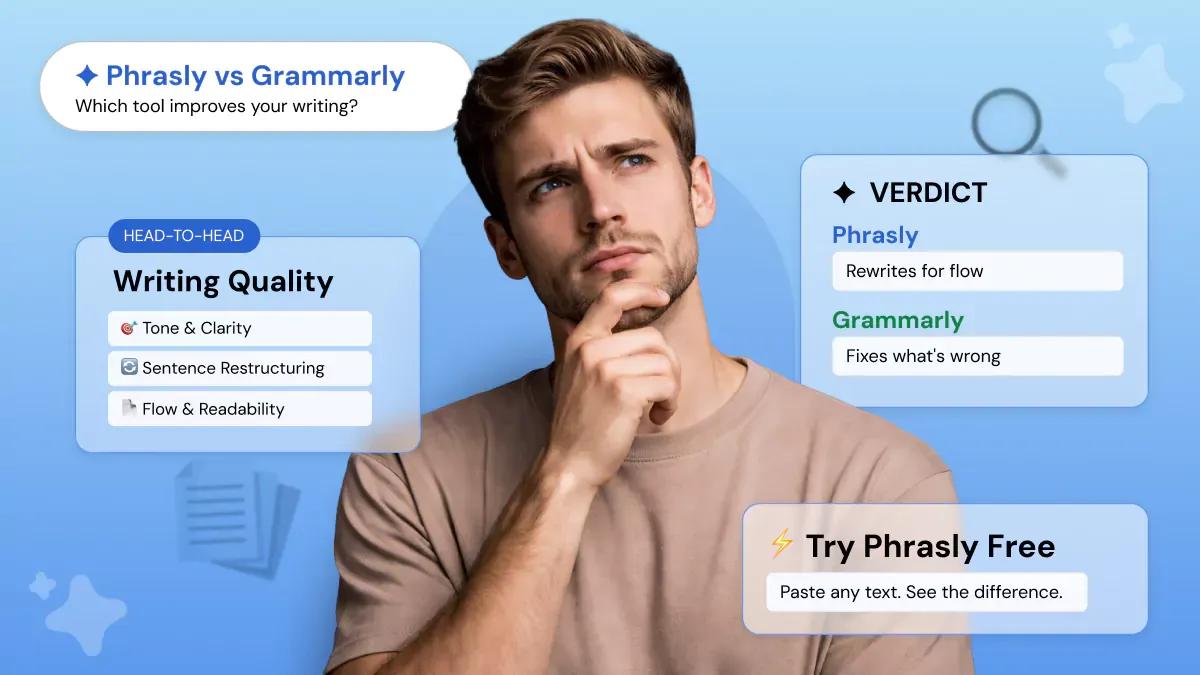
Phrasly and Grammarly serve different purposes. Grammarly is primarily a grammar and spelling checker, it identifies errors. Phrasly is an AI Writing Enhancer. It rewrites your text to improve tone, clarity, flow, and naturalness. If you want a tool that actively improves how your writing sounds, not just whether it's grammatically correct, Phrasly is the stronger choice. Phrasly is also free to try with no credit card required. Not sure which tool is right for you? We tested both on the same text. Read the full comparison: Phrasly vs Grammarly.
Yes. Phrasly supports multiple languages, making it suitable for global teams, multilingual content, and non-native English speakers. You can enhance and rewrite content across multiple languages, including English, Spanish, German, French, Portuguese, and Italian, while maintaining natural tone and fluency in each.
A text clarity enhancer is a tool that identifies unclear, overly complex, or ambiguous writing and rewrites it to be easier to understand. Phrasly's clarity enhancement analyses sentence structure, word choice, and phrasing, then automatically simplifies and sharpens the text so your meaning comes through clearly and immediately.
Reputable AI tools like Phrasly follow strict data privacy practices and use encryption to protect user content. To stay safe, always look for platforms that do not store your data permanently and are compliant with international security standards.
Phrasly is more than just a Text Enhancer. It's a powerful AI suite with 8 tools that helps you create, refine, and adapt content for any purpose. Register now to unlock smarter and faster content creation. Start free today.