How Managers Can Spot AI in Employee Reports (and Why a Detector Score Is Not Proof)
9 min read
A status report lands in your inbox, and it reads a little too smooth for the person who wrote it. You wonder if ChatGPT drafted it, then wonder whether you're even allowed to ask.
So, how can managers detect AI in reports? Run the text through an AI detector as a first signal, check style, facts and document history, then talk to the employee before anyone mentions policy.
This guide covers internal reports and memos, not hiring. And a detector score alone proves nothing; treating it as proof breaks trust faster than any AI-written paragraph.
Scan Your Report for AI in Seconds 👇
Why Managers Are Trying to Detect AI in Work Reports Now
Managers are asking because AI use at work is common, and much of it happens outside approved tools. A Gartner survey of 302 cybersecurity leaders, run from March to May 2025, found that 69% of organizations suspect or have evidence that employees use prohibited public GenAI tools.
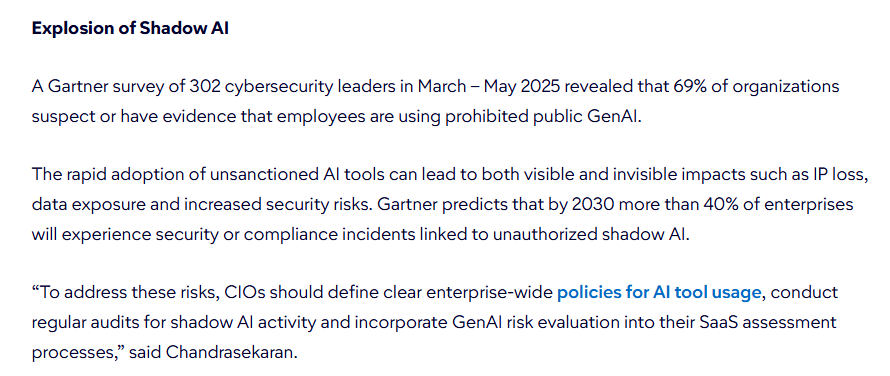
That's shadow AI: staff using personal ChatGPT, Gemini or Copilot accounts on company work without approval, often because no policy exists yet.
It's often hidden, too. In a 2025 study by KPMG and the University of Melbourne of more than 48,000 people, 58% of employees said they use AI at work on purpose, and 57% admitted presenting AI output as their own.
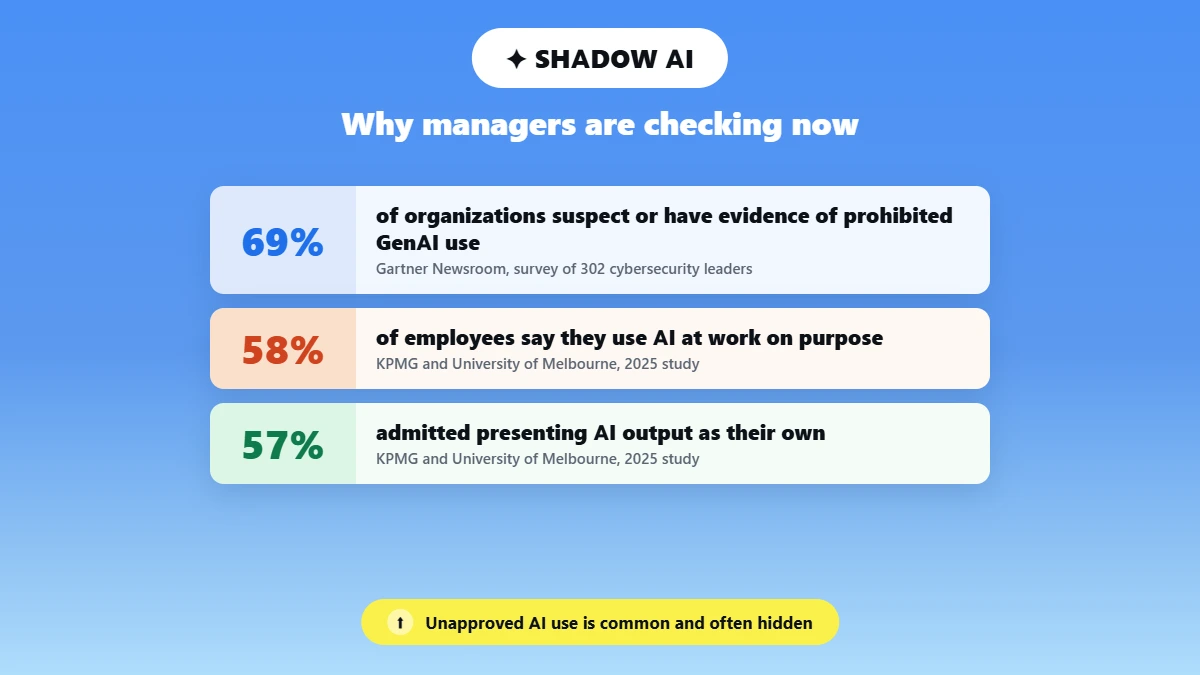
So, can employers detect AI? Partly. And the question employees type into search, can my boss tell if I used ChatGPT, gets the same answer: sometimes, rarely with certainty.
How can I tell if my employee used ChatGPT to write a report? Look for several signals together, not one tell. Raising a flag feels awkward, but letting invented numbers reach a client is worse.
The goal is quality control and trust, not punishment by default.
What Signals Suggest a Report Was Written by AI
If you're wondering how to check if a report is AI generated, combine style, skill and fact checks, because each one alone produces false alarms. Assume some AI involvement and look for the spots where it hurts the work.
Writing style and tone shifts
Here's how to tell if someone used AI to write something with simple writing style analysis:
A sudden vocabulary upgrade: a person who writes casual Slack messages submits a report full of "furthermore" and "in conclusion."
Paragraphs of near-identical length, each ending with a tidy summary line.
Detectors measure perplexity and burstiness. Perplexity is how predictable each word is, burstiness is how much sentence length varies, and AI text tends to score low on both.
Skill-gap jumps between reports
Compare the report with the person's last three or four reports. A sharp jump in polish without training or a colleague's edit is worth a second look, though people do improve.
Factual errors and hallucinations
This matters most: an AI hallucination is a confident statement that's false. In 2025, Deloitte agreed to partially refund the Australian government for a report citing academic papers that don't exist and a fabricated quote from a federal judge.
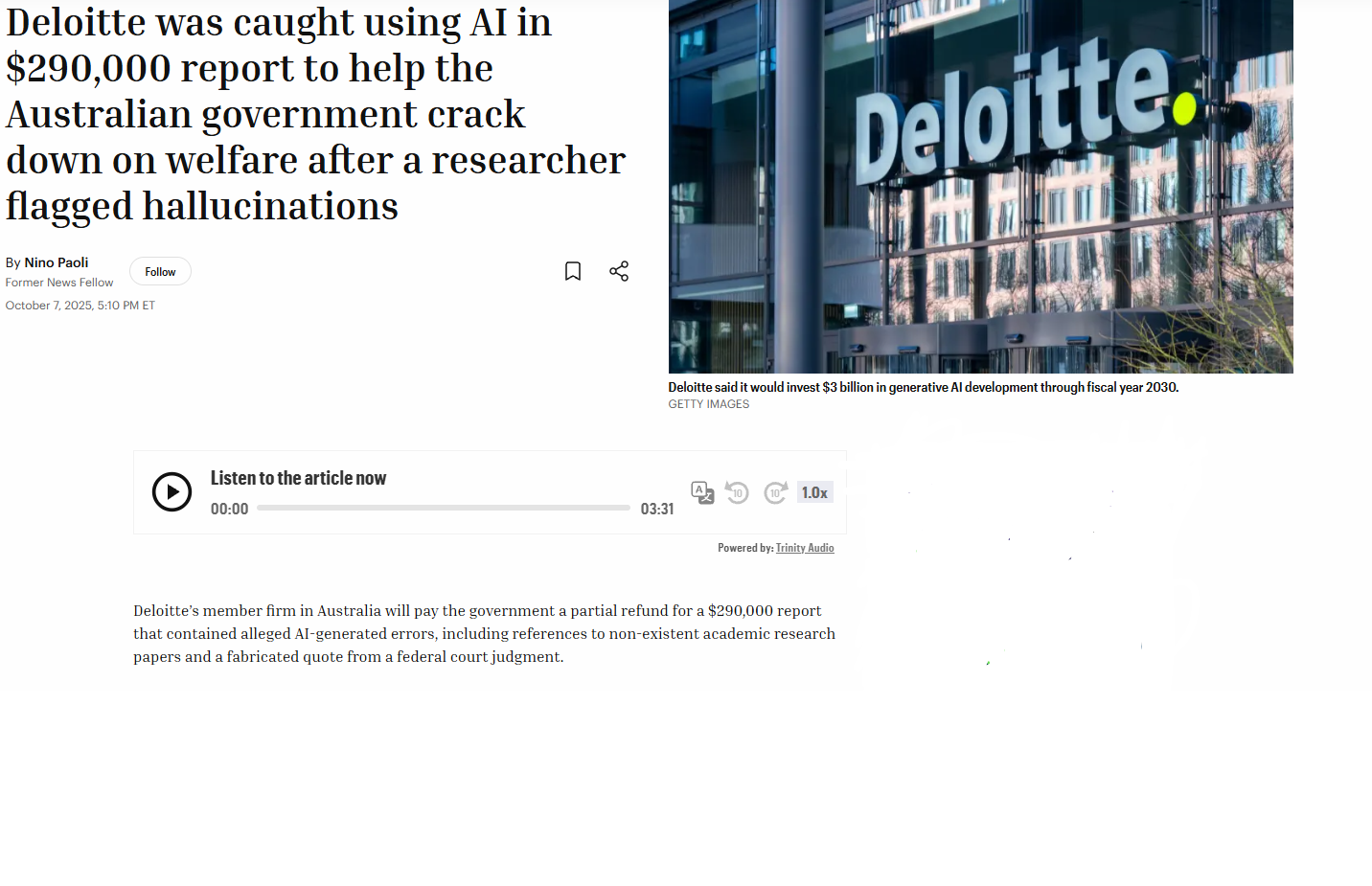
That's how to check if a report was written by AI in practice: verify numbers, sources and quotes against your own systems.
How Can Managers Detect AI in Reports: Start With a Detector Score
Start with a score because it's fast, not because it's final. An AI detector for work documents reads the text and returns a percentage estimating how much of it looks AI-generated.
How do I check if a document was written by AI before approving it? Paste the text, read the score and highlighted sentences, verify the facts, then ask the author about anything odd.
Pick a tool that isn't tuned to one model: in May 2026, ChatGPT held 52.7% of generative AI web traffic, Gemini 27.3% and Claude 8.9%, per Similarweb data. Even OpenAI pulled its own classifier in 2023 for low accuracy.
If you're researching how to detect AI generated reports free, many detectors test a short sample at no cost, and that score means the same thing: look closer.
What a detector score actually measures
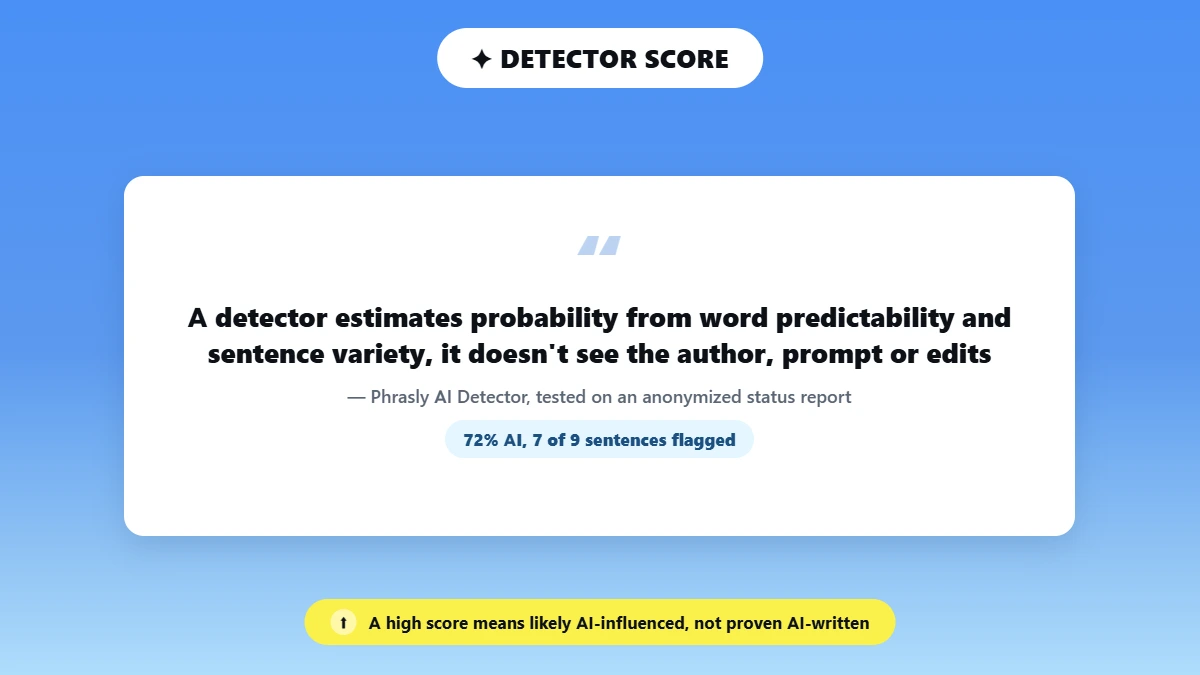
A detector estimates probability from word predictability and sentence variety. It doesn't see the author, prompt or edits, so a high score means "likely AI-influenced," not "proven AI-written."
How Phrasly's AI Detector scores and reports results
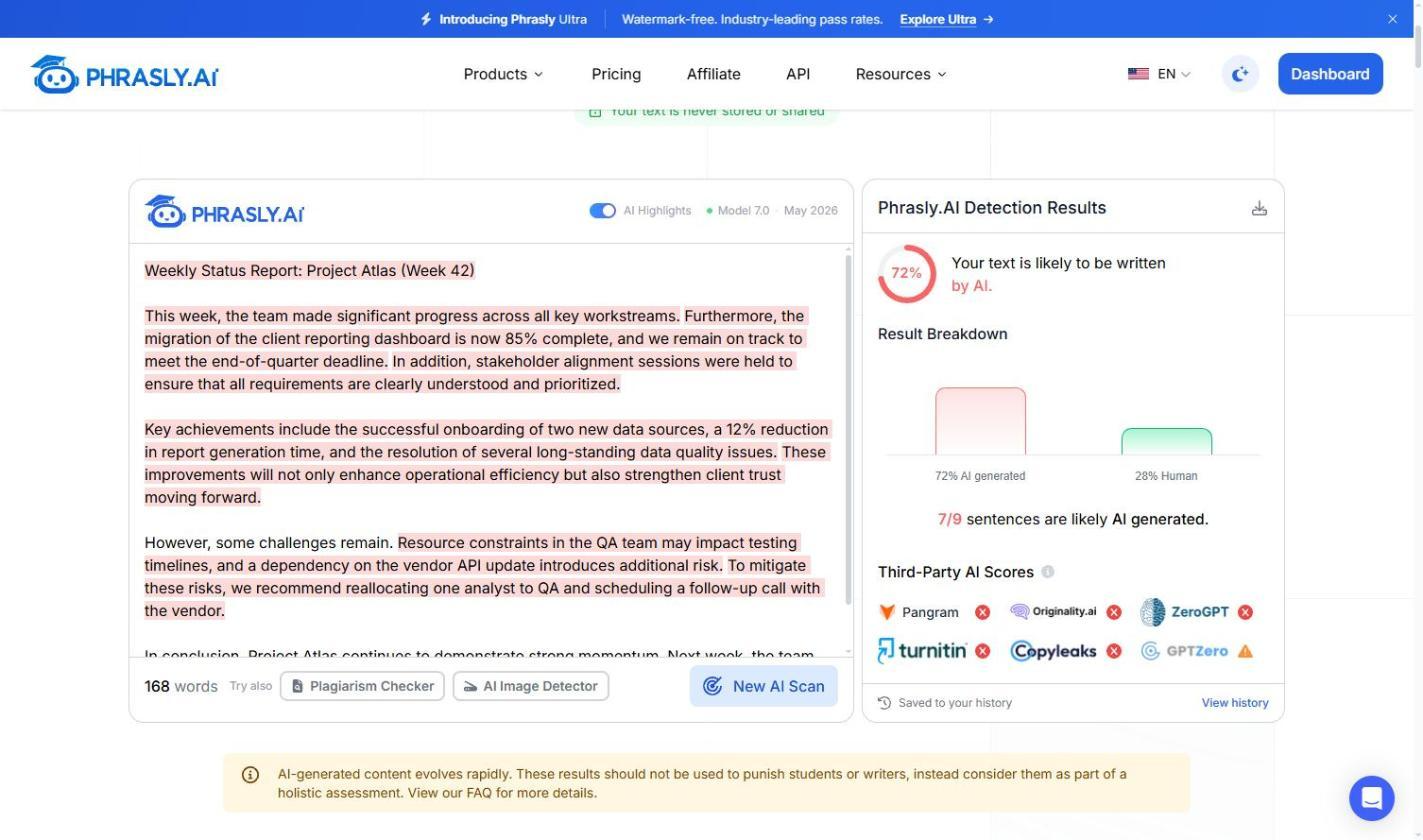
We tested Phrasly's AI Detector for this review. Paste a report or upload a file (there’s no word limit) to get an overall AI percentage, highlighted sentences and pass/fail markers from six third-party detectors, including GPTZero, Turnitin and Pangram. On an anonymized 168-word status report, it returned 72% AI and flagged 7 of 9 sentences.
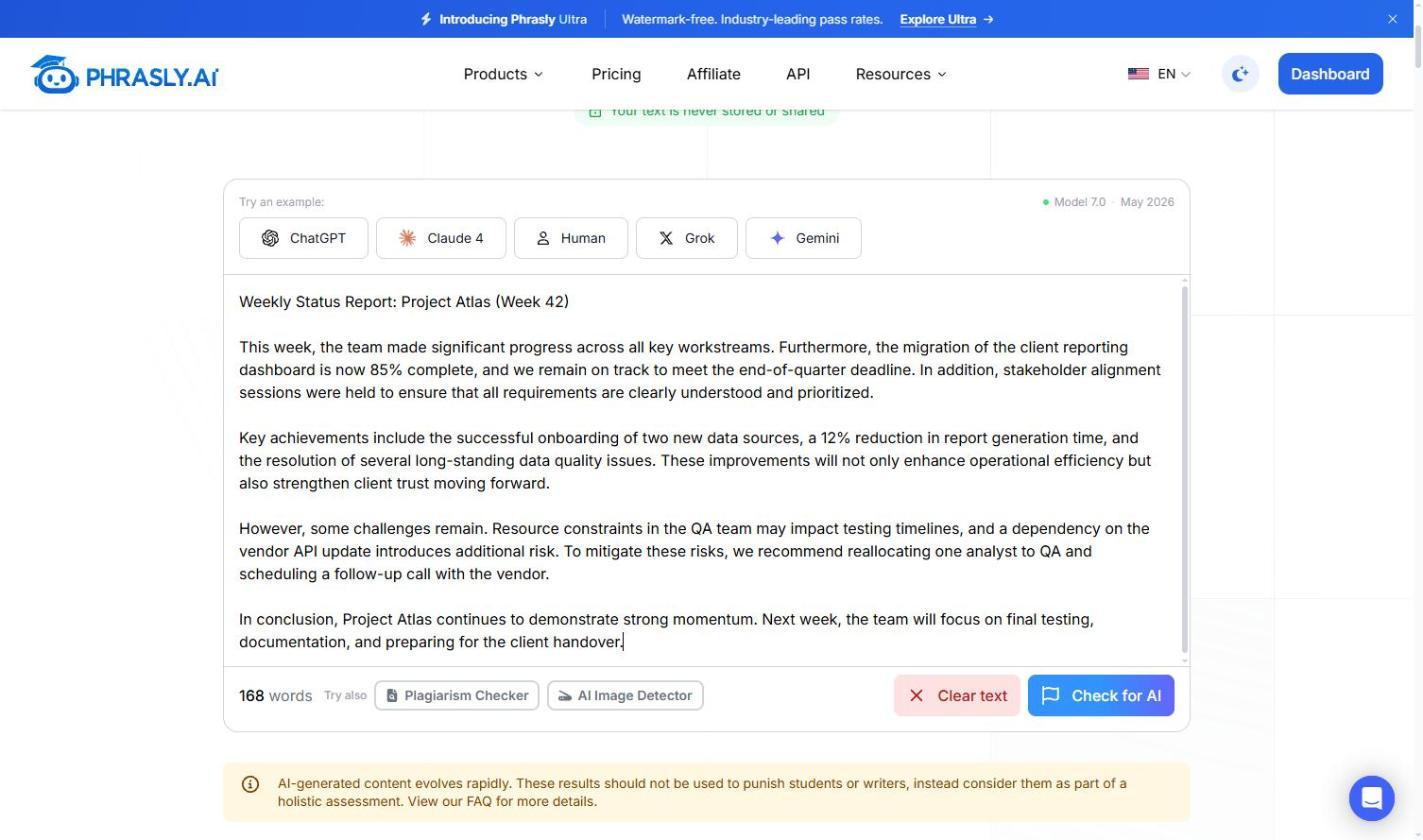
That makes it a practical AI detector for employee reports: you can talk about "this section," not "the whole document." Templates score differently from casual notes, so see how AI detectors on workplace documents behave first. The detector is free to use, with no signup and no word cap.
Should Managers Trust AI Detector Scores?
Trust a score enough to look closer, never enough to act on it alone. Treating it as a verdict risks accusing someone who wrote every word.
Are AI detectors accurate enough for workplace use? They're good at sorting which reports deserve a second read, not at settling a conduct question. Our breakdown of false positive risk with detector scores shows how ordinary human writing triggers high results.
Why false positives happen
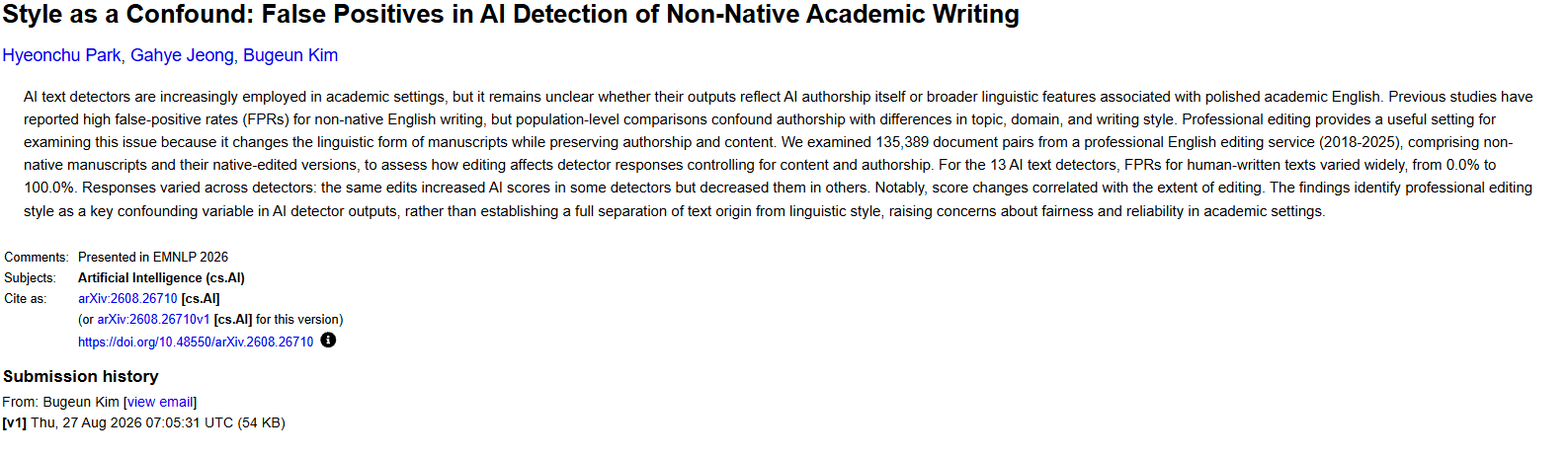
A false positive rate is the share of human writing a detector wrongly flags as AI. A 2026 study of 135,389 non-native academic manuscripts tested 13 research detectors on texts written before ChatGPT existed and found rates from 0% to 100%.
The usual causes, covered in our guide on how AI detectors can be wrong:
Formulaic writing, like status templates or compliance language.
Non-native English, which leans on safer, more predictable words.
Heavy editing by a colleague or a grammar tool.
What a score can and cannot prove
A score shows a statistical likelihood worth a closer look, nothing more. It can't prove intent, the tool used, how much was edited, or whether AI use was disclosed under your policy.
AI Detection Tools for Managers: A Side-by-Side Look
AI detection tools for managers fall into two groups: content detectors that scan a finished report, and usage monitoring that tracks network or device activity.
Many companies add monitoring on top of detection, though personal phones sit outside company logs.
Can employers monitor ChatGPT usage? On company devices, usually yes, through browser extension monitoring, network traffic monitoring and data loss prevention (DLP) rules, within local law.
Can my company see if I used AI tools on my computer? On a managed laptop, IT can usually see which AI sites you visited, and DLP can log sensitive data pasted into them.
Text detectors versus usage monitoring
Text detectors analyze writing patterns in a submitted document.
Usage monitoring shows whether an AI tool was accessed, not what was typed.
API key tracking and chargeback reporting show how much each team uses approved tools, which helps budgets more than policing.
What each tool type can and cannot see
Tool type | What it checks | What it misses | Best use case | Can it prove AI use? |
|---|---|---|---|---|
Text detector (document scan) | Writing patterns in the submitted text | Which AI tool was used, editing history | First-pass screen on a flagged report | No, it gives a probability |
Browser extension monitoring | Whether AI sites were visited on a managed browser | Actual report content, personal devices | Confirming shadow AI access | No |
API key tracking | Usage volume through sanctioned AI tools | Personal, unsanctioned tool use | Tracking approved AI adoption and chargeback reporting | No |
Network / proxy logs and DLP | Domain-level traffic to AI platforms; DLP can log sensitive data pasted in | Text generated by the tool, off-network use | Broad usage trends and data leak alerts | No |
Document version history | How the file grew over time (sessions, large pastes) | Where pasted text came from | Neutral fact check before a conversation | No, it shows timing only |
Manual style review | Tone, voice, structure and skill shifts vs past reports | Objective proof | Pairing with a detector score | No |
Among tools that detect AI-generated reports at work, GPTZero, Originality.ai, Copyleaks and Phrasly read the document itself. The best AI content detector 2026 has for managers is whichever one you pair with human review, and our AI detection accuracy statistics show why.
How to Talk to an Employee After an AI Flag
Open with curiosity, because the score is a signal and the conversation tells you what it means. With 58% of employees using AI on purpose, many flags reflect normal habits, not deception.
Try something like: "This report reads differently from your usual style. Can you walk me through how you put it together?"
How do I know if my employee used AI to write a report? Ask about the process, since research steps, drafts and sources reveal more than "did you use AI?" And if someone asks whether you can tell they used ChatGPT, be honest: you're reviewing the work, not hunting for a tool.
Lead with curiosity, not accusation
Frame the flag as a question, not a finding.
Skip lines like "you got caught" or "this is clearly AI."
Point to the specific sections that read unusually.
Ask about the process, not just the output
What sources, notes or drafts led to this version?
Did an AI tool help with outlining, editing or drafting?
Where did this figure come from?
Compare the answers with your disclosure policy and the document's audit trail, not the score. Close with expectations for the next report rather than a penalty, unless your policy says otherwise.
Build an Employee AI Usage Policy: A Quick Checklist
A short written policy removes most of the guesswork. If you're comparing employee AI usage policy examples, start with these items.
The NIST AI Risk Management Framework, now under revision, is a common basis for an AI governance policy.
What to include in the policy
Approved tools, and who adds new ones.
Data rules: what never goes into public AI tools, like client files or anything under HIPAA data protection rules.
A required disclosure line for AI-assisted reports.
Who reviews a flagged report, and the consequences for undisclosed use.
Fold this into your acceptable use policy, and cover prompt injection risk if AI tools connect to company files. Review it twice a year, since Gemini's traffic share alone tripled between June 2025 and May 2026.
Disclosure expectations for employees
Say whether disclosure covers all AI use or only drafting help, and keep it low-friction.
Sample disclosure line
A one-line note at the end of the report works: "AI assistance: first draft of section 2 (ChatGPT), reviewed and edited by the author."
Monitoring and AI laws differ by jurisdiction
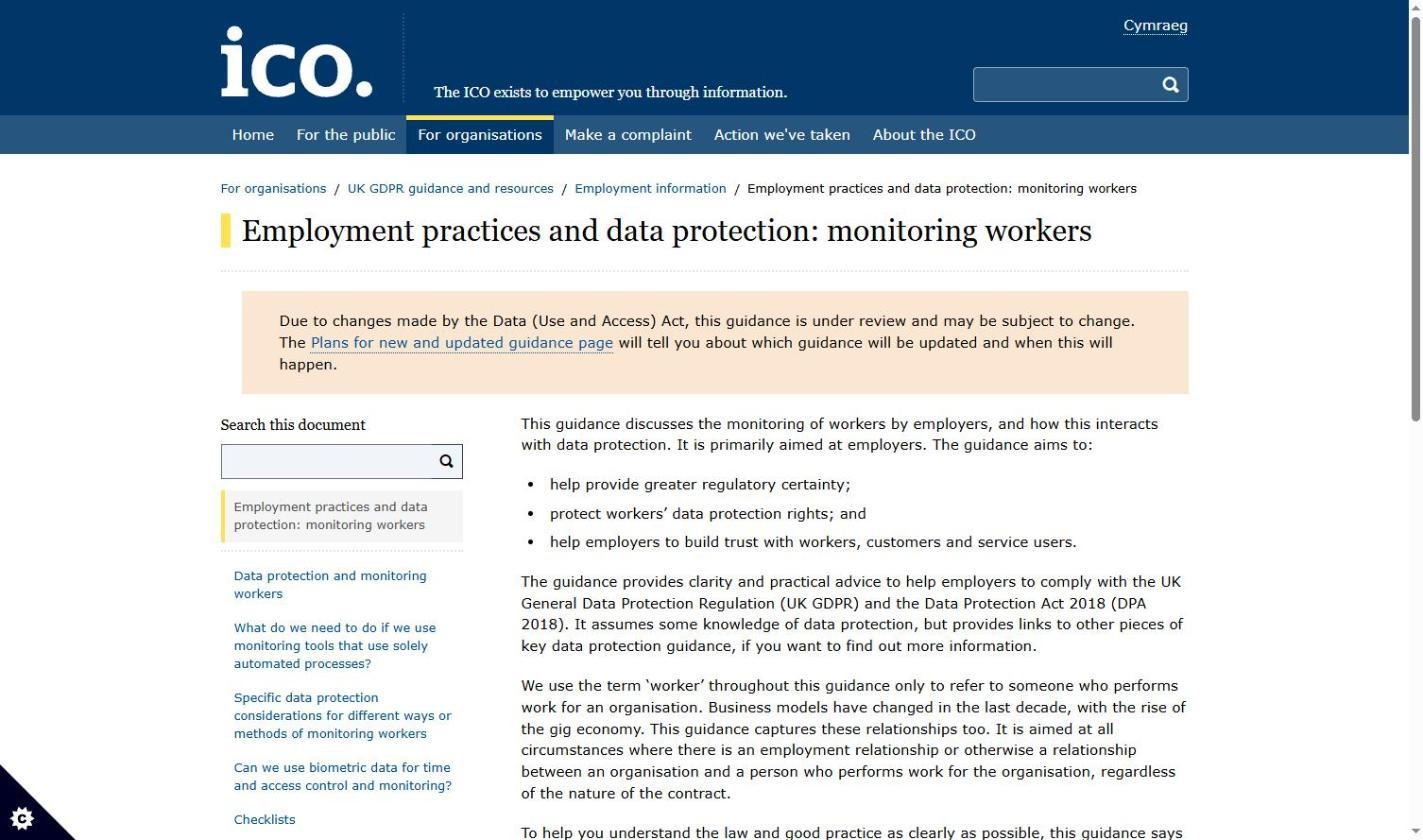
Monitoring rules vary by country and state. In the UK, GDPR compliance means telling workers about monitoring and assessing high-risk monitoring first, per the ICO's guidance on monitoring workers.
In Illinois, a law effective January 1, 2026 covers AI used in employment decisions, and the draft notice rules include discipline. The state postponed those rules in June 2026, but the law’s notice requirement is already in force, which matters if a detector score ever feeds a discipline decision there.
A report that reads too polished is a question, not an answer. Let a detector tell you where to look, check the facts, then ask the author how the work came together. When you want that first signal, run it through Phrasly's AI Detector and read the highlighted sentences before the score.
Frequently asked questions
Usually, on company devices and networks, but the rules depend on where you operate. UK and EU employers need a lawful basis and must tell workers about monitoring, and some US states require written notice. Illinois also regulates AI used in employment decisions from 2026, so check the local rules first.