
7 Ways to Craft Better AI-Generated Responses That Pass AI Detection
AI tools have completely changed how we approach writing. You know the drill — cranking out that research paper due tomorrow, brainstorming when you're stuck, or throwing together a quick blog post.

AI tools have completely changed how we approach writing. You know the drill — cranking out that research paper due tomorrow, brainstorming when you're stuck, or throwing together a quick blog post. These tools save serious time. Problem is, Turnitin and other detection programs keep getting better at spotting an AI-generated response, even when the writing sounds polished.
For college students, getting caught means anything from a zero on your paper to getting kicked out. For professional writers, it could mean clients rejecting your work or questioning your skills. The big question is: how do you keep using these helpful tools without getting flagged?
We built Phrasly exactly for this reason. Our tools help make AI writing sound like it came from your brain, not a computer. This blog breaks down seven real ways to level up your AI-generated responses so they fly under the radar while still sounding like you wrote it.
Understanding AI Detection and Why It Matters
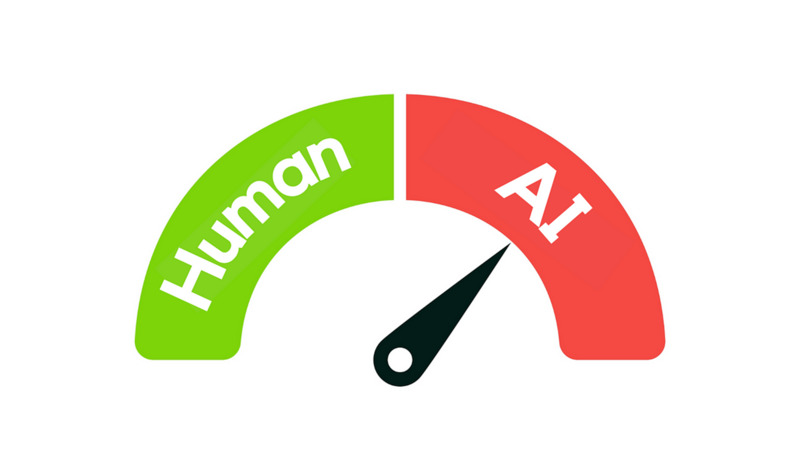
Detection tools are hunting for specific giveaways in your writing. Turnitin and similar programs use fancy algorithms to spot patterns that scream, "AI wrote this!" They're looking for:
- Cookie-cutter sentences that all sound the same
- Words and phrases used over and over
- Writing that lacks any personality or emotion
- Language that sounds like a textbook instead of a person
Your AI-written paper might have perfect spelling and structure, but it'll still get caught if it doesn't have that human touch. Making your content sound like a real person isn't just a nice bonus—you absolutely need it.
Let's get into the tricks that actually work in the real world.
7 Proven Strategies to Make AI-Generated Responses Sound More Human
These practical tips will help you take what you’ve created using an AI response generator and polish it into something that reads like you wrote it yourself.
1. Use a Conversational Tone and Natural Language
Think about how you explain something to a friend. That’s exactly the tone you want to aim for.
Let’s say you're writing a paper about time management. Instead of the stiff, “Effective time management is essential for academic success,” try something more personal:
“If you’re anything like me, juggling classes, work, and a social life is a constant struggle. But learning how to manage your time can really make a difference.”
Use contractions like “you’re” instead of “you are.” Mix up your sentences—throw in some short ones, and then follow up with longer, more detailed thoughts. You can even drop in a rhetorical question now and then to keep your reader engaged.
This relaxed approach makes your AI responses feel authentic and avoids that telltale robotic tone that detection programs immediately flag.
A quick test: read your writing out loud. If you stumble over words or it doesn't sound like something you'd actually say to someone, keep reworking until it has that natural conversational flow.
2. Adjust AI Prompts for More Human-Like Responses
The better your prompt, the more human the output. Most people make the mistake of typing something basic like “write a conclusion for my essay.” But these vague instructions typically produce generic (and obvious) AI responses.
Try this instead:
“Write a conclusion for a five-paragraph essay on why local governments should support public transportation. Use a personal tone and end with a thought-provoking question.”
See how specific that is? It sets the stage for a more unique and human-sounding result. When using AI tools, include emotional cues and context that guide the tone and voice you’re looking for.
Another trick? Add constraints to your prompt. Ask the AI to use short paragraphs, casual language, or even include a joke or personal story. The more details you give upfront, the less rewriting you’ll need to do later.
3. Rewrite AI Responses with a Human Touch
Once you’ve got your draft, it’s time to rewrite. Not from scratch, but enough to give it a human touch.
When you use an AI-generator for a response, you might get something like this:
“Technological developments have had a significant impact on modern education.”
A rewrite might look like:
“From Zoom classes to AI tutors, tech has completely changed how we learn, for better or worse.”
The second version is casual, uses real-life examples, and feels like something you’d actually say in conversation.
Keep your paragraphs short — nobody wants to read a wall of text. Shake things up with your own examples and thoughts. Your professors or clients can spot the difference between generic content and something with your fingerprints all over it. These natural quirks in your writing help you evade the scrutinizing eye of detection programs.
4. Train AI on Your Own Writing Style
One of the smartest ways to improve your AI-written draft is to feed the tool your previous work.
If you’ve already written an intro you like, copy and paste it and say, “Make this conclusion match the tone and style of this intro.” Or give the tool a few sentences of your writing and say, “Write the next paragraph in the same voice.”
This trick works well for both students and professional writers. Students can use it to stay consistent with their past submissions. Writers can use it to match different brand voices.
Even just adjusting the prompt to say “Match my tone” or “Write like this example” will often lead to more natural results.
5. Use an AI Humanizer to Refine Content
Sometimes, even after a few tweaks, your draft still doesn’t feel right. That’s where an AI Humanizer comes in.
At Phrasly, we built our Humanizer to help turn mechanical-sounding drafts into natural, readable writing that passes AI checks. It’s like having an editor who knows exactly what AI detection tools look for and how to eliminate those giveaways.
The tool rewrites your AI-generated responses to sound more personal, with smoother transitions, better rhythm, and more authentic phrasing.
Maybe you started with a basic AI tool and weren’t happy with the response. AI generator tools like ours can transform that draft into something that genuinely sounds like a person wrote it, not a machine. Run it through the Humanizer, and you’ll be amazed by the results!
6. Avoid Repetitive Keywords and Phrasing
Let’s be real: AI can be super repetitive. If your AI-generator response keeps hammering the same phrase over and over, anyone can spot it a mile away.
Here’s a quick fix: grab a thesaurus (or just brainstorm alternatives) and mix things up. If your draft keeps repeating “social media platforms” like a broken record, swap in “apps like Instagram,” “those sites everyone's addicted to,” or even “digital hangouts” instead.
Watch your sentence starters, too. AI loves those formal transitions — “Additionally,” “Furthermore,” “Moreover.” Ugh. Try something with more personality, like “One more thing” or “Let’s look at another example” to mix it up.
This quick edit makes your writing way harder for those annoying detection algorithms to catch.
7. Use an AI Detector to Fine-Tune Your Content
After all your editing, there's one final step — run your work through a tool like our AI Detector.
It's basically your last sanity check before submitting. The detector scans your writing and flags any parts that still need tweaking.
Say you wrote a first draft with AI and then went in yourself, making edits here and there. Even with your changes, it's tough to know if Turnitin will flag it. Phrasly spots those hidden patterns that might trip you up.
It catches stuff you probably missed — awkward phrasing, weird sentence patterns, and those subtle AI tells - then shows you exactly what needs fixing before your professor or client ever sees it.
SEO Considerations for AI-Generated Content
If you're using AI to create content for websites, blogs, or business writing, you’ll want it to rank well in search engines, too.
Here’s how to make your AI-written content SEO-friendly without sounding fake:
- Sprinkle keywords where they make sense, not everywhere
- Focus on answering questions people actually search for
- Mix up your layout with bullets, headers, and breathing room
- Write like you're talking to someone, not a search engine
Don't stress about jamming keywords into every sentence. Just think: "What would my friend type into Google to find this?" Then write like you're explaining it over coffee.
Common Pitfalls to Avoid in AI-Generated Responses
Let me save you some headaches by pointing out what NOT to do with your AI content:
- Copy-pasting without editing: AI drafts are a starting point, not a final product. Always make it your own.
- Using big words to “sound smart”: Clarity beats complexity. Write to be understood, not to impress.
- Forgetting the human element: Add personal touches. Tell a story. Ask a question. Show emotion.
- Ignoring the audience: Think about who you’re writing for. Adjust your tone and examples accordingly.
Skip these rookie mistakes and your writing will sound like it came from a person with actual thoughts and feelings — not some algorithm churning out perfect paragraphs.
Humanizing AI Content Has Never Been Easier With Phrasly

Creating AI-generated responses that pass AI detection is absolutely doable — especially when you have the right tools and techniques in your corner.
By crafting better prompts, rewriting awkward lines, and using specialized tools like our AI Humanizer and AI Detector, you can enjoy all the benefits of AI without getting caught in the AI trap.
Whether you’re working on a school assignment or developing content for clients, Phrasly has your back. Try it for free


Keep reading

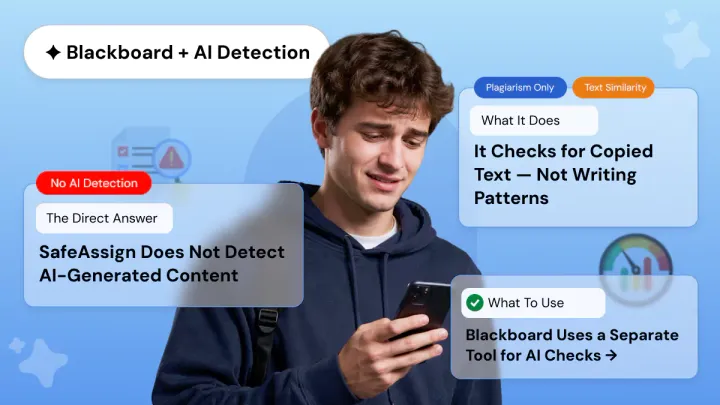
Does SafeAssign Have an AI Detector? What Students and Teachers Need to Know
SafeAssign checks for plagiarism not AI. A 0% score doesn't mean your work is AI-free. Learn what SafeAssign actually detects, why it misses ChatGPT, and what tools like Copyleaks really do.

How to Protect Yourself from AI Detector False Positives
Discover why AI Checkers flags human writing as AI-generated. Learn about false positive rates, who's at risk, and how to protect yourself from false accusations.