The Phrasly MCP server.
Humanize inside the chat you already use.
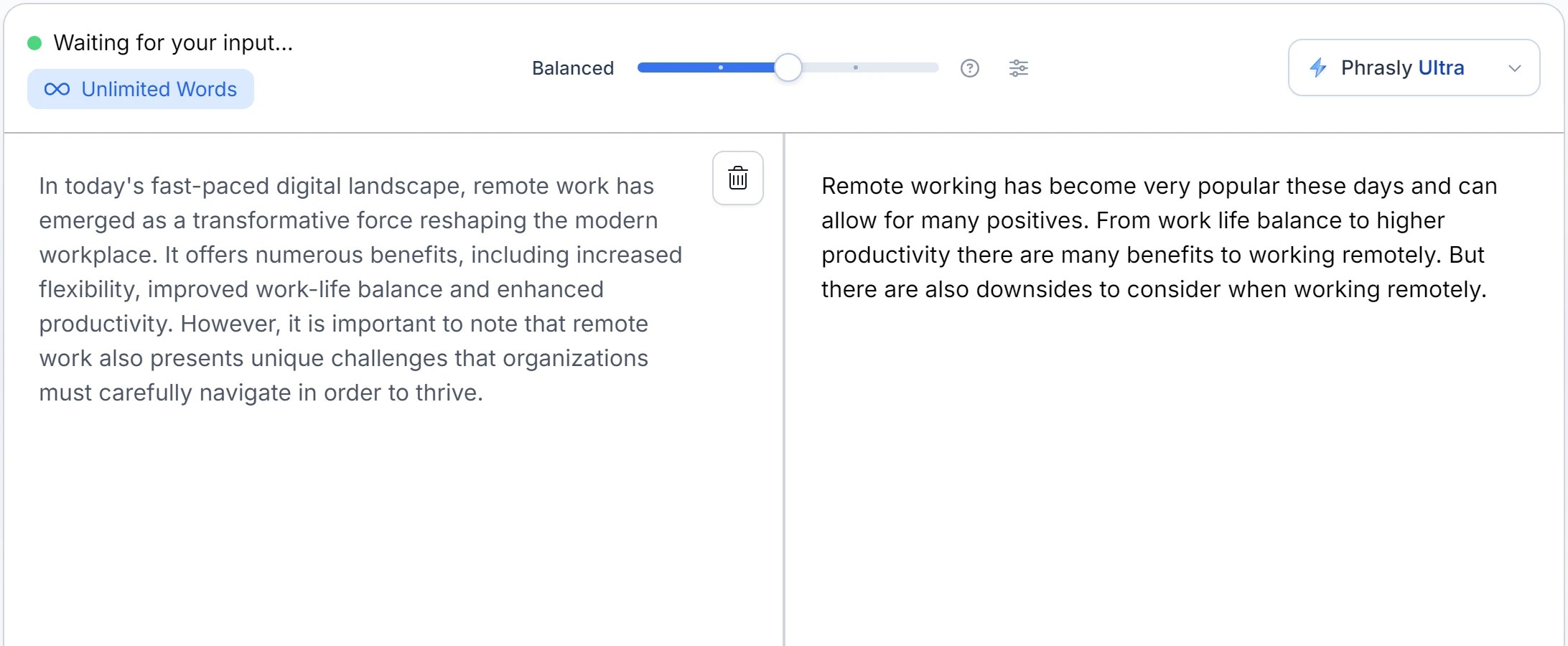
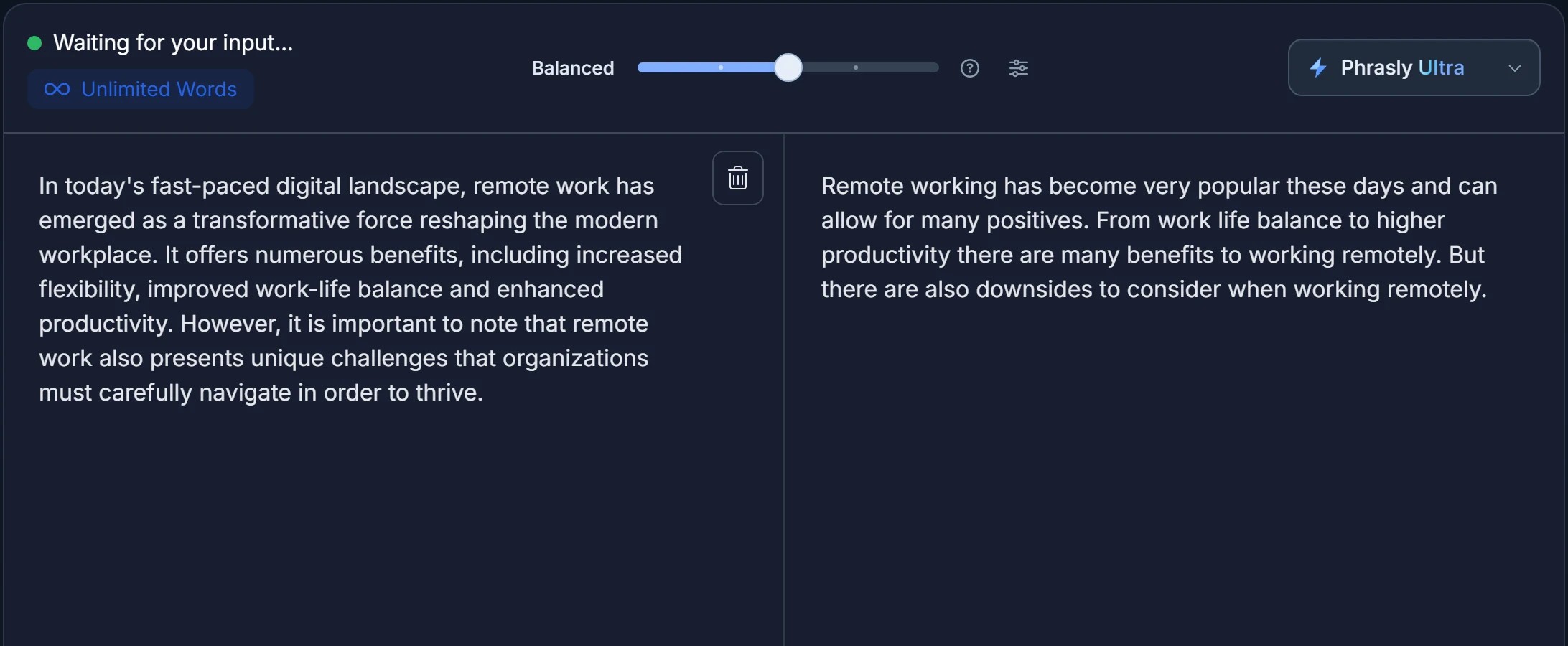
Ask Claude, ChatGPT or any MCP client to humanize or check a draft. Phrasly runs on your own account and sends the result back into the conversation.
https://phrasly.ai/api/mcpFree and paid Phrasly accounts can connect
SETUP
一分钟内完成连接
Pick your app. Each one takes a URL or a single command, then one sign-in with your Phrasly account.
打开设置,然后进入连接器
点击 Add custom connector
粘贴此网址
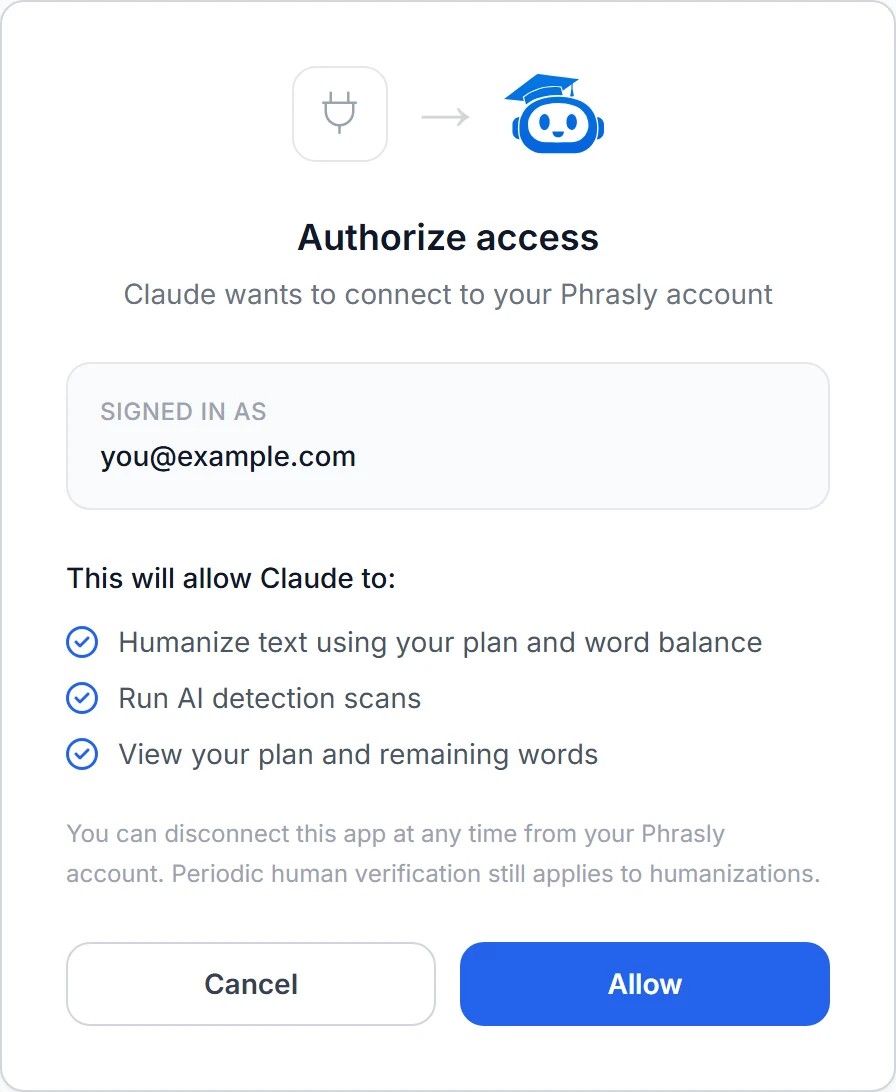
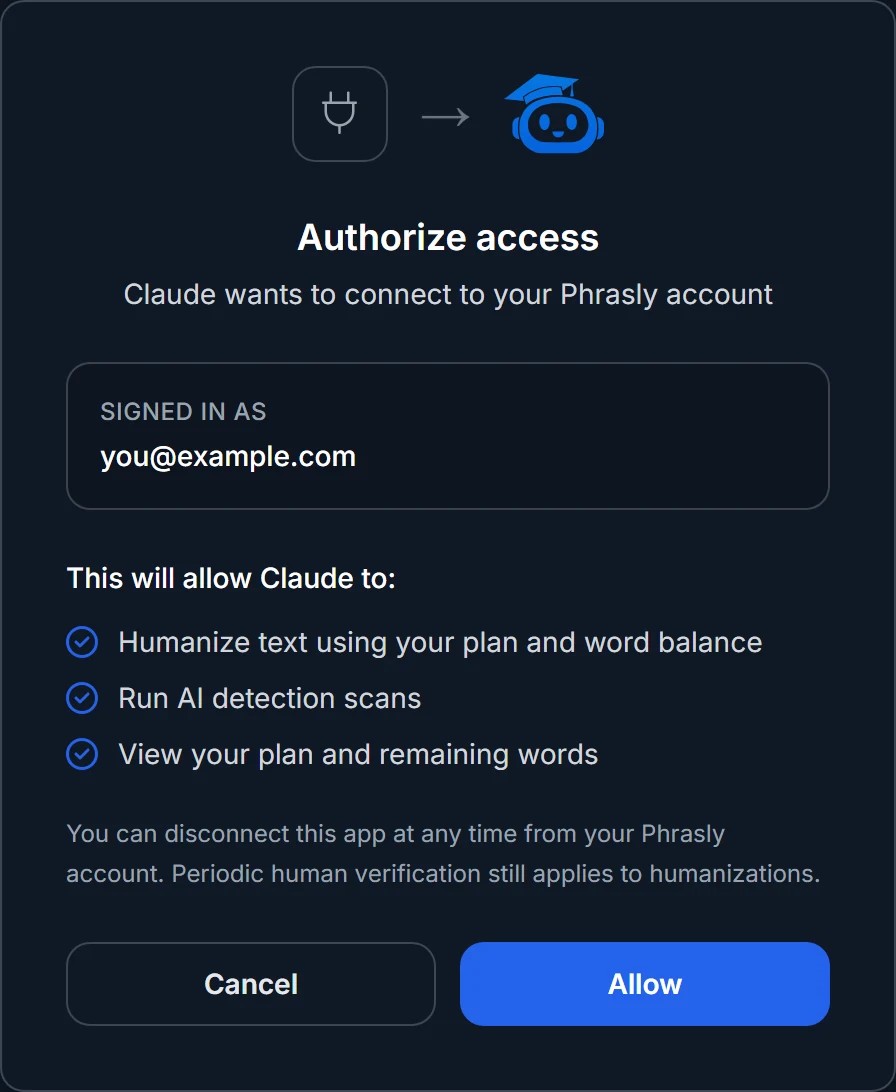
https://phrasly.ai/api/mcp点击 Connect,然后用你的 Phrasly 账户批准访问
Custom connectors are available on Claude Pro and Max. On Team and Enterprise, an owner adds the connector once and members connect their own Phrasly accounts.
THE TOOLS
Phrasly, as tools your AI can call
Ask in plain language. Your assistant picks the right tool from the server and hands back the result.
- humanize_text人性化任何草稿
- 使用与 Phrasly 网站相同的人性化模型,把带有 AI 味的文本改写成自然的人类写作。支持 Phrasly 的所有语言。
- detect_ai_text发送前先检查
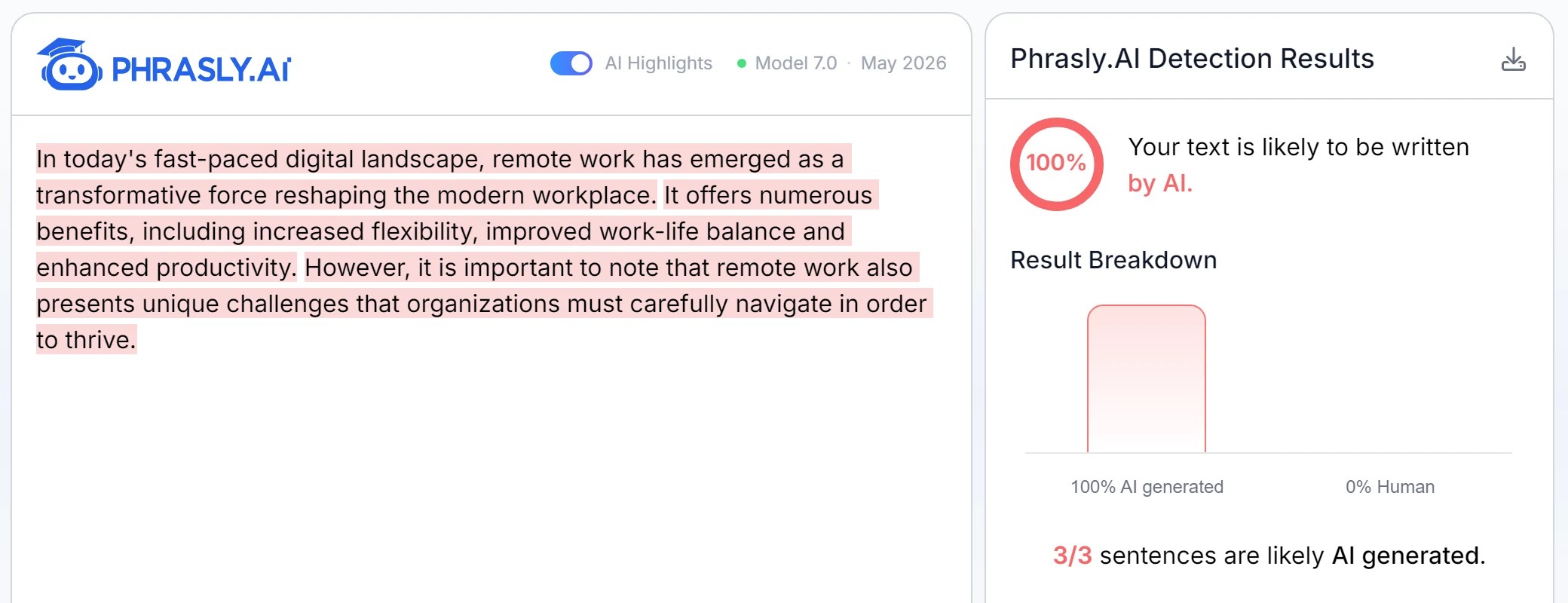
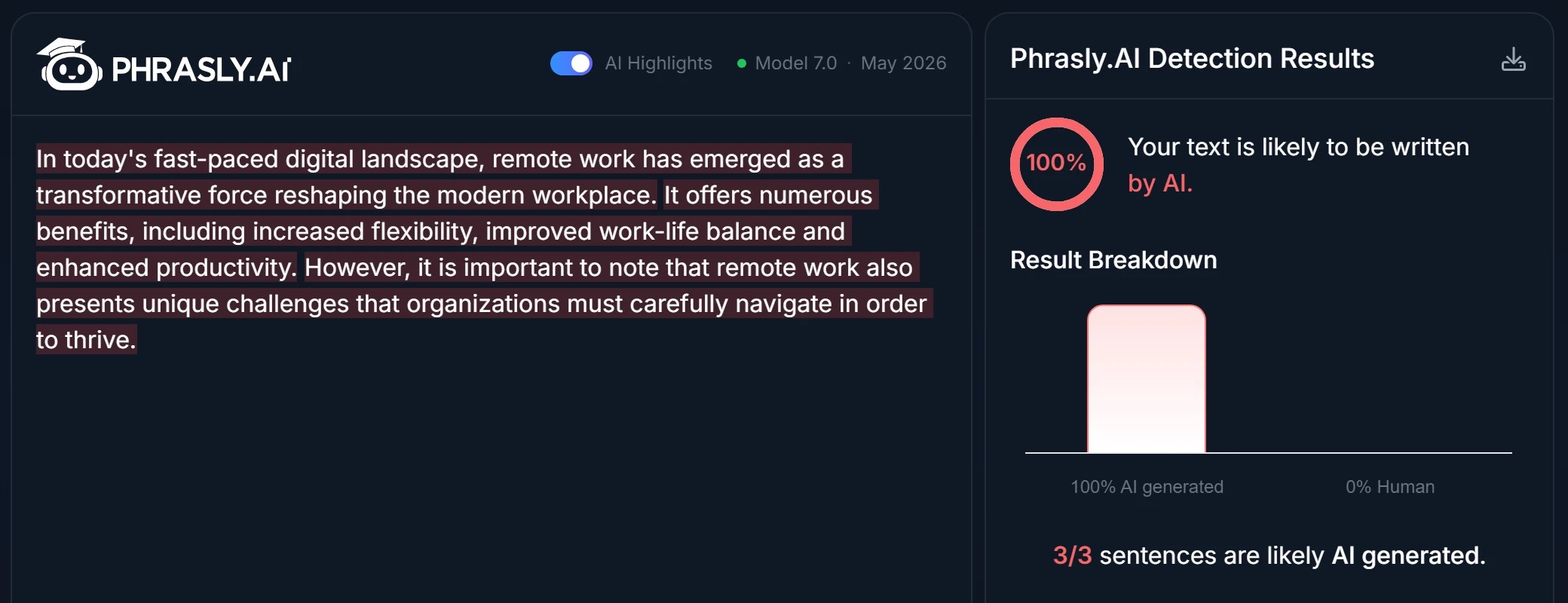
- 用 Phrasly AI 检测器为任意文本打分,给出结论、AI 占比以及被标记的句子数量。
- get_account_status随时了解账户状态
- Ask how many words you have left, which plan you are on, and how much you have used today. No tab switching.
- promptsSlash commands
- Apps that support MCP prompts get three ready-made commands: humanize, humanize and verify, and check for AI. In Claude Code, type /mcp__phrasly to find them.
THE SAME PHRASLY
Every request runs on the real Phrasly.
Humanizations and checks from your AI chat run on your own Phrasly account, with the same models, limits and history as the website.
连接由你批准
Phrasly 只会作用于你登录的账户,且仅限批准页面上显示的权限。你可以随时在 Phrasly 设置中断开连接。
与网站同一套引擎
相同的人性化模型、相同的套餐限制、相同的字数余额。你在 Claude 中人性化的内容同样会进入文档历史。
防止滥用
频率限制、定期人机验证和完整的请求日志,将自动化滥用挡在平台之外。
GOOD TO KNOW
常见问题
ONE URL AWAY
把 Phrasly 带进你的下一段对话
Connect once, and every draft you write is one message away from sounding human.
https://phrasly.ai/api/mcpWorks with Claude.ai, Claude Desktop, Claude Code, ChatGPT and any MCP client that supports OAuth.